DokPlan

Make it easy

Make it easy

Key Insights

Originated from real port industry needs, DokPlan delivers a streamlined, all-in-one solution for payroll, workforce planning, leave management, and CEPA compliance.


No more juggling Excel sheets or switching between disconnected tools, DokPlan centralizes everything in one intuitive platform.


With DokPlan, timekeepers can finally focus on what matters, while the system handles the administrative load. It’s smart, integrated, and built for the unique demands of port operations.

Industry Focused

DokPlan is built with and for port companies

All-in-one

One platform for your entire operation

User Friendly

Replace spreadsheets with a reliable, intuitive interface

Future Proof

Continuous innovation and improvements provided

Benefits

With automatic CEPA integration, intuitive planning tools, and powerful reporting, your team works faster and with fewer errors. DokPlan’s API lets you connect planning data directly to your own systems, enabling custom interfaces and automated access control. Centralized indexations ensure consistent payroll and benefit calculations, while automatic pay calculations per employee save time and reduce mistakes. The platform supports employee benefits like meal vouchers, bike plans, and group insurance, making it a complete solution for modern port companies.

Payroll Automation

CEPA Aligned

Ease of Use

Manage Benefits

Explore Our Modules

Click on a module to view its features and learn how it can enhance your planning and payroll workflows.

Absences

PrePlanning

Planning

Payroll

CEPA

Reporting

Settings

Process

DokPlan simplifies the entire workflow, from initial preplanning to final payroll processing. Thanks to its intuitive modular design, every team member can easily manage their part of the process, ensuring smooth collaboration.

Planning

Manage Absences

Create Planning Forecast

Detailed Employee and Machine Planning

Manage Benefits

Access Control

Payroll

Manage Performances

Manage Benefits

Automated salary calculation

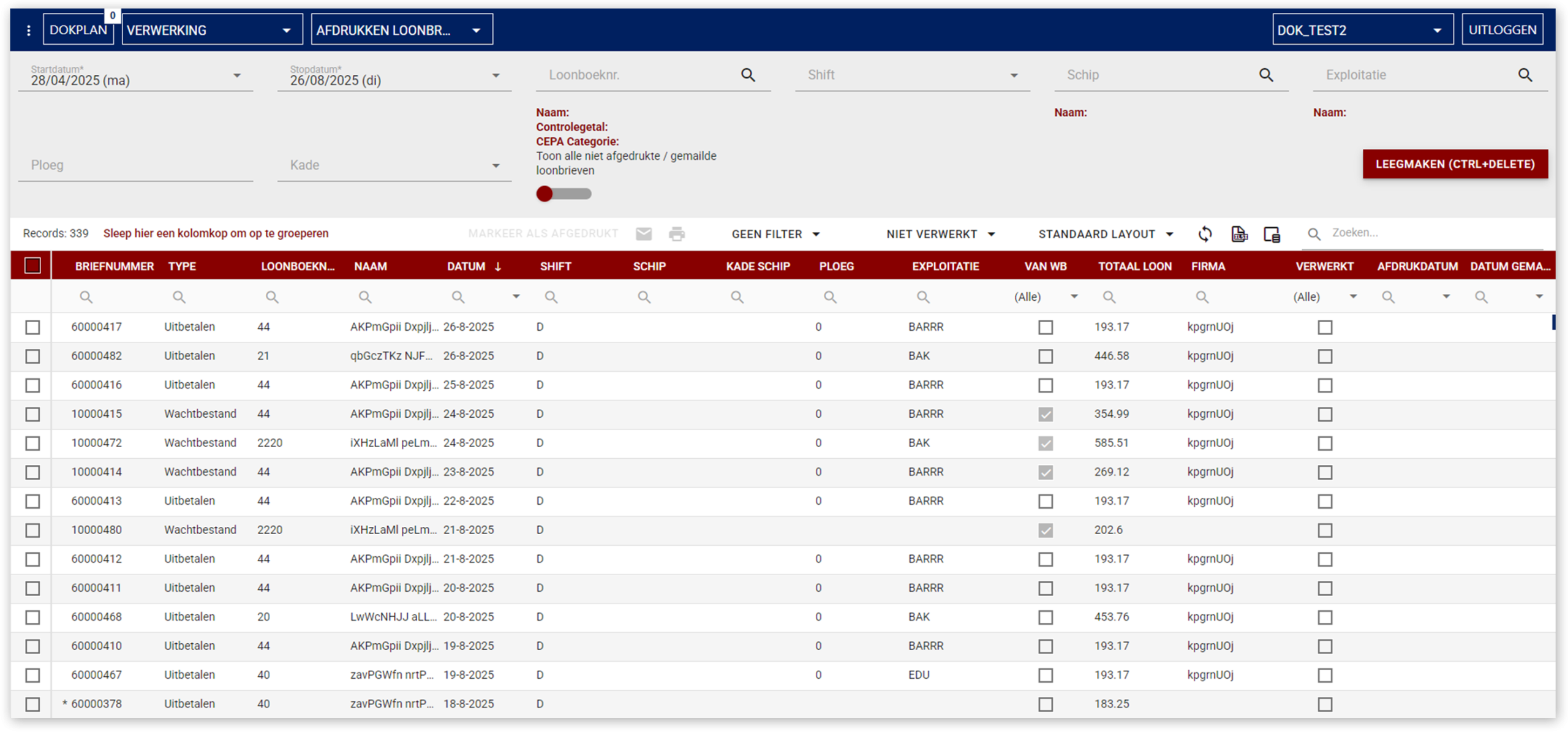
Manage Payslips

Periodic Closing

Monthly / Weekly Closing

Reconciliation

Export

Reports

Licenses

Planning

  • CBK Number
  • Payroll
  • Saving Plan
  • On-Hold File
  • Import On-Hold File
  • Reporting
  • Accounting Export
  • Excel Export
  • Mail API
  • Audit
  • Meal Voucher
  • Group Insurance
  • Bike Plan
  • Absences
  • PrePlanning
  • Planning

Professional

  • CBK Number
  • Payroll
  • Saving Plan
  • On-Hold File
  • Import On-Hold File
  • Reporting
  • Accounting Export
  • Excel Export
  • Mail API
  • Audit
  • Meal Voucher
  • Group Insurance
  • Bike Plan
  • Absences
  • PrePlanning
  • Planning

Premium

  • CBK Number
  • Payroll
  • Saving Plan
  • On-Hold File
  • Import On-Hold File
  • Reporting
  • Accounting Export
  • Excel Export
  • Mail API
  • Audit
  • Meal Voucher
  • Group Insurance
  • Bike Plan
  • Absences
  • PrePlanning
  • Planning

CBK

  • Add companies based on CBK

Access control

  • Enable Planning based Access Control

Discover More

Ready to explore our application in depth? Reach out for a demo, request more information, or dive into our detailed insights.

Module information

Absences

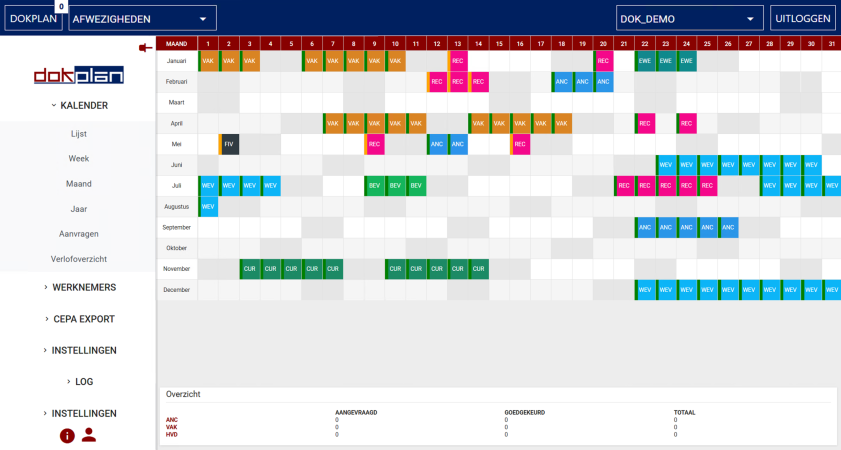
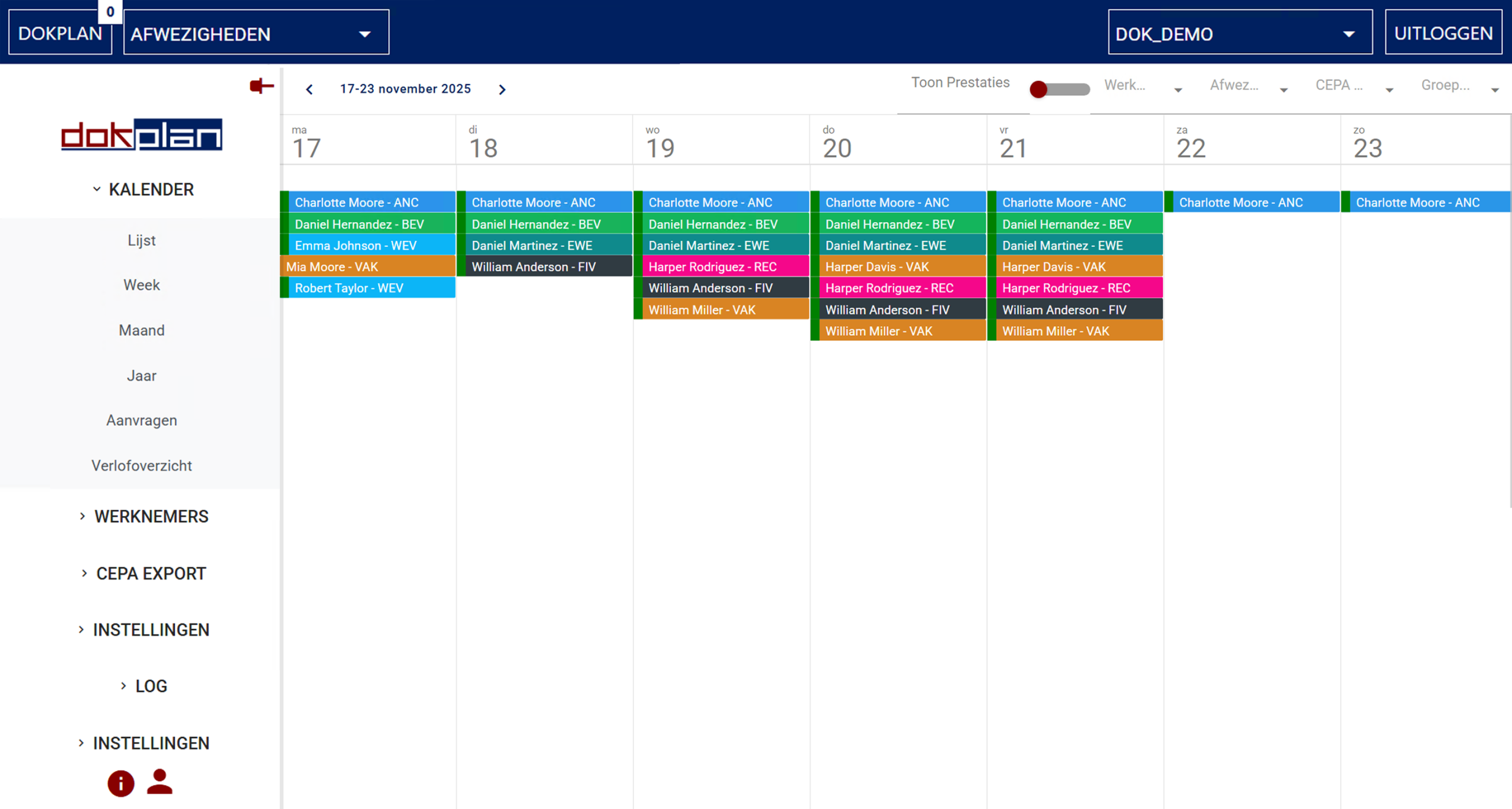
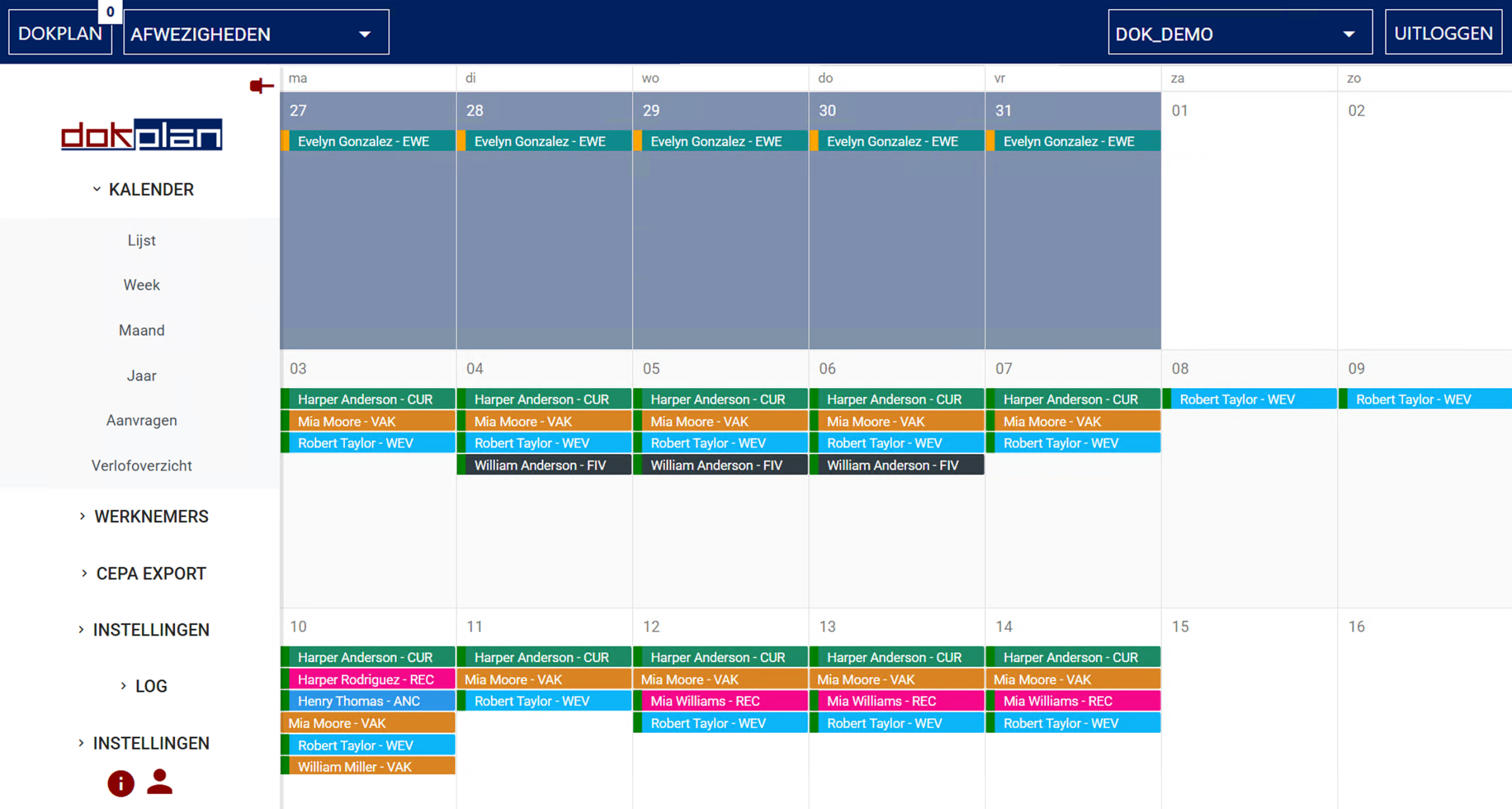
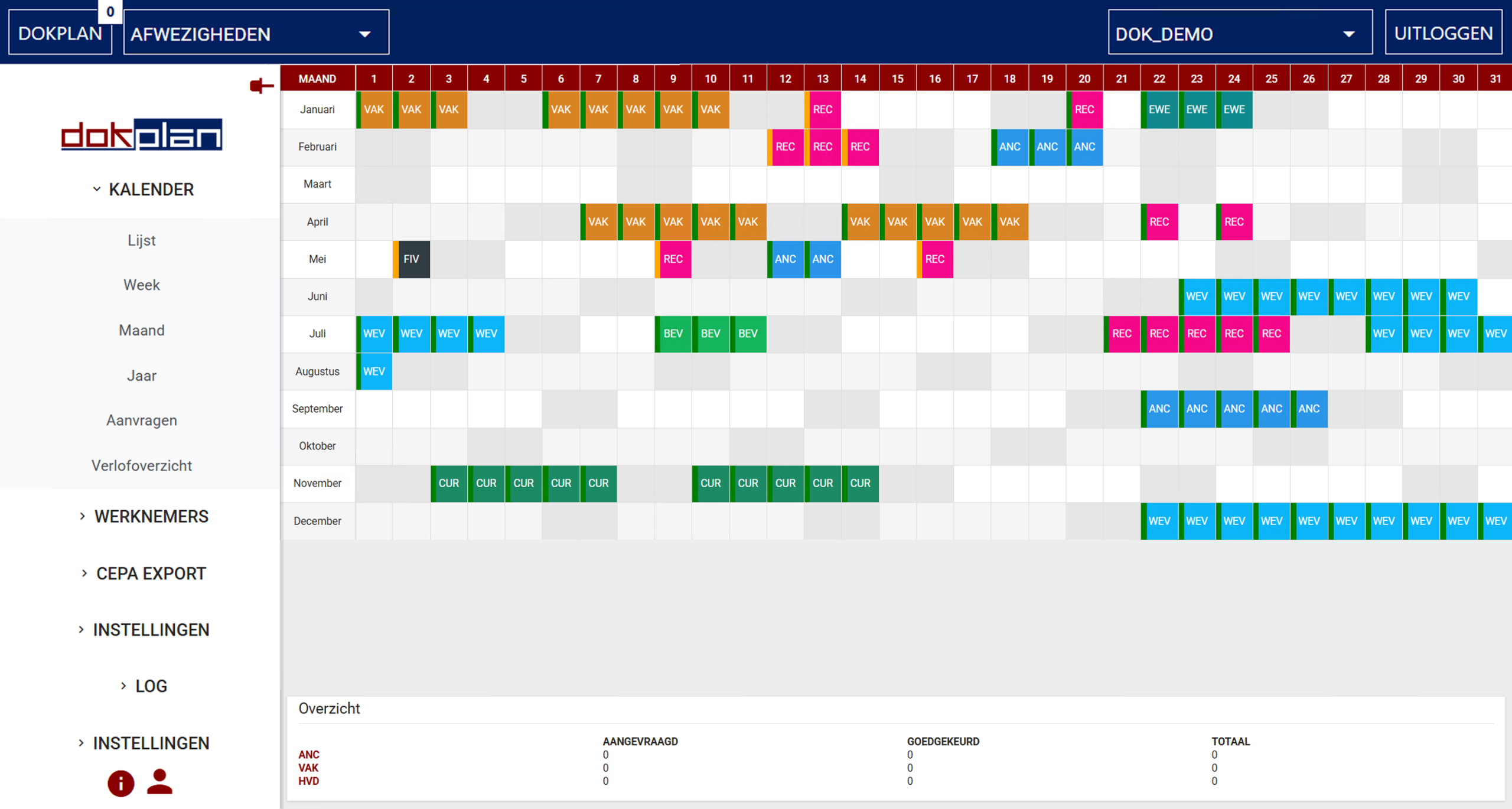
DokPlan offers flexible overviews. List, weekly, monthly, or yearly, so you can track and manage absences in the way that best fits your workflow.


With full CEPA integration and smart automation, manual work is reduced and errors are minimized. Absence management is handled in one centralized module.

Year

Key Features

Use Multiple Views

Manage Absence Types

Export To CEPA

Manage overtime

Manage Redistribution Days

Integrated into Planning

Module information

PrePlanning

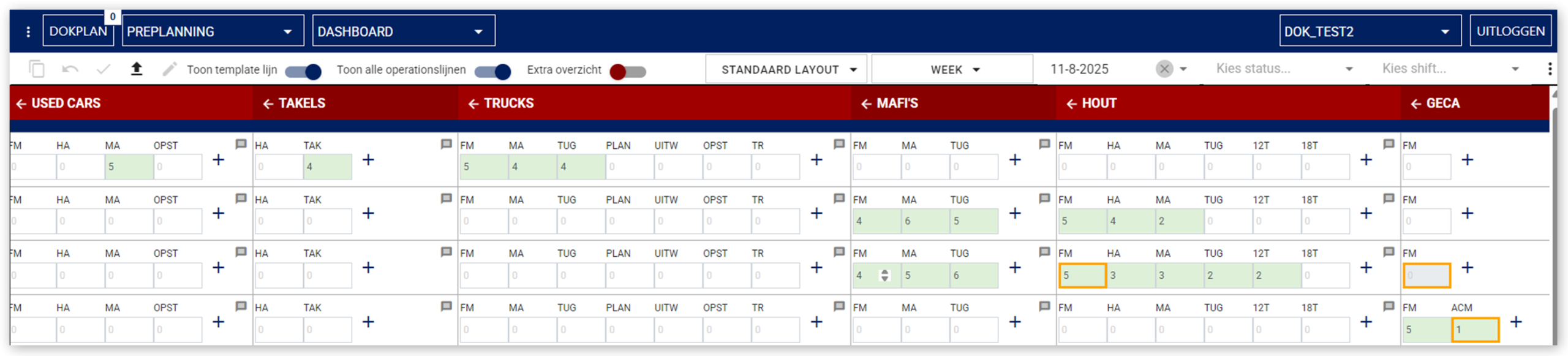
Preplanning is the forecasting engine of DokPlan. It gives planners a clear view of what’s ahead by estimating incoming operations and resource needs. With a timeline that spans past, present, and future, preplanning offers full visibility into historical data, current activities, and upcoming demands.

Key Features

Forecast Planning

Use Smart Templates

Enhanced Copy Functions

Track Changes

Interactive Dashboard

Organized Planningdashboard

Module information

Planning

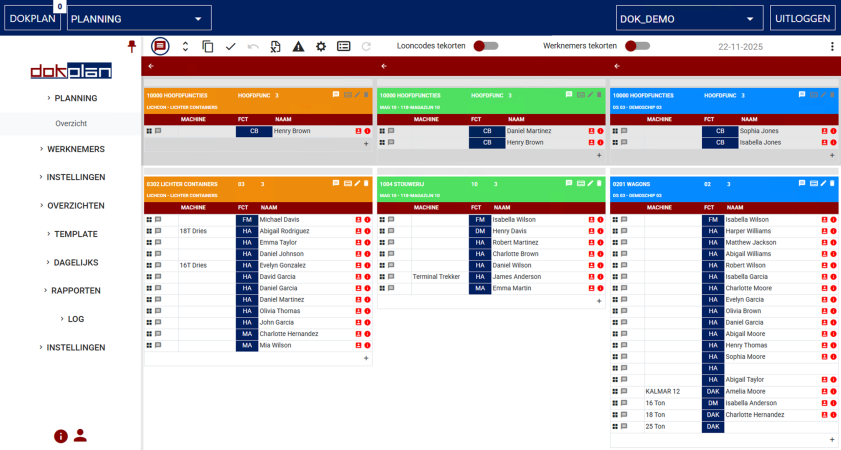
Turn your operations into a detailed, actionable schedule with DokPlan’s Planning module. Assign workers and machines, manage shifts, and stay in control with drag-and-drop functionality, live updates, and full integration with absences and access control.

Key Features

Manage Plannings

Interactive Planning Dashboard

Manage Paycodes

Live Integration

Planning Validation

Use Smart Templates

Enhanced Copy Functions

Track Changes

Module information

Payroll

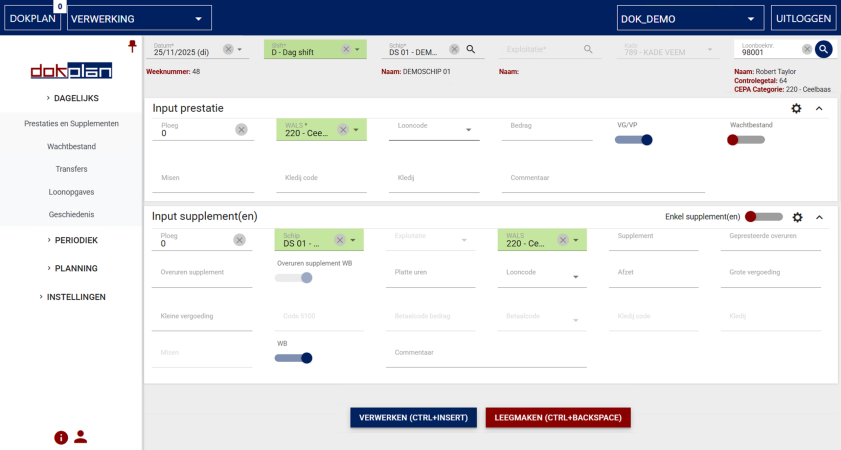
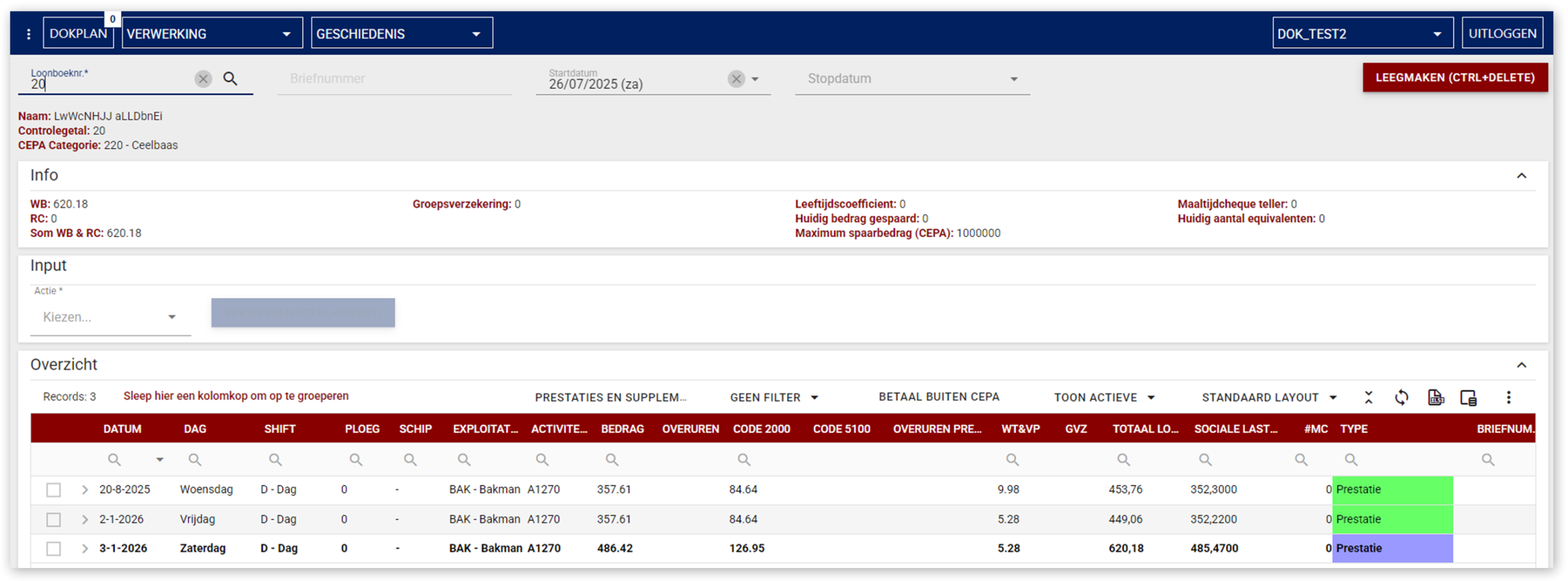
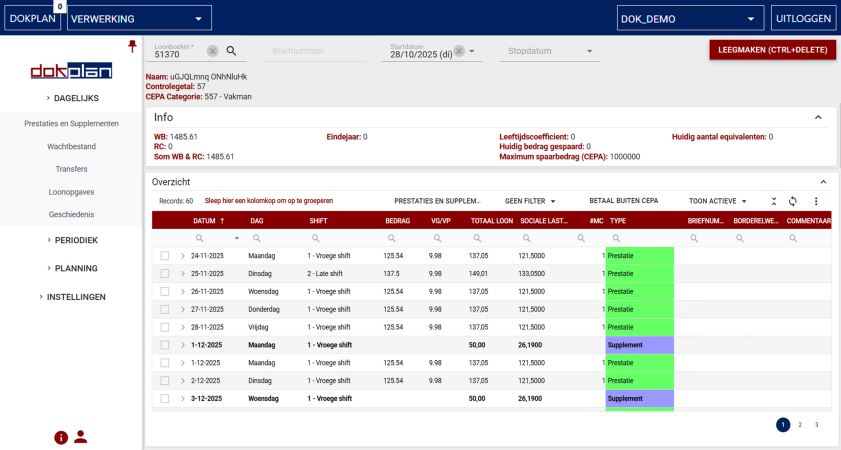
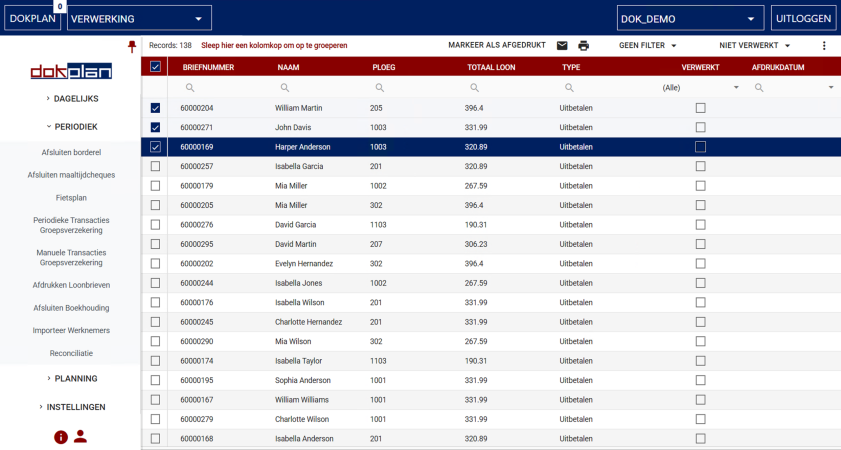
The Payroll Module is the operational heart of DokPlan. Manage payroll including supplements, transfers, and absences with one streamlined workflow. Perform weekly and monthly closing, payslip generation, and reconciliation, the payroll module simplifies complex processes and ensures everything runs smoothly and transparently.

Key Features

Manage Performances

Transfer Costs

Manage Employee Benefits

Payroll Automation

Audit History

Payslip Mailing

Cost Dimensions

Periodic Closing

Module information

CEPA

DokPlan seamlessly integrates with CEPA, enabling smooth data exchange and operational alignment. This integration ensures that all registered performances, closings, and absences are accurately reflected in CEPA. By linking both systems, harbor organizations benefit from consistent cost tracking, reliable absence management, and streamlined payroll processing, reducing manual work and minimizing errors.

Module information

Reporting

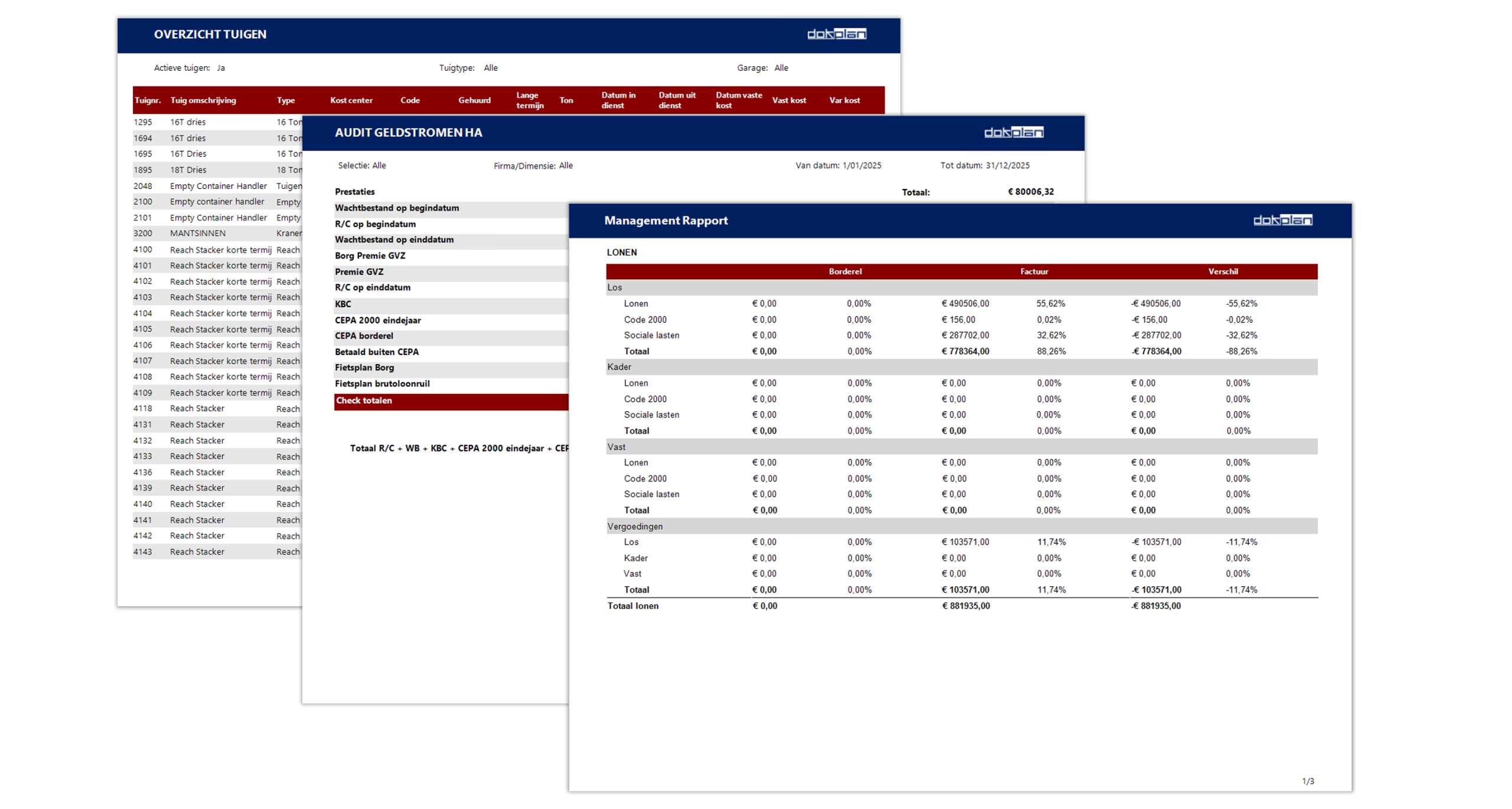
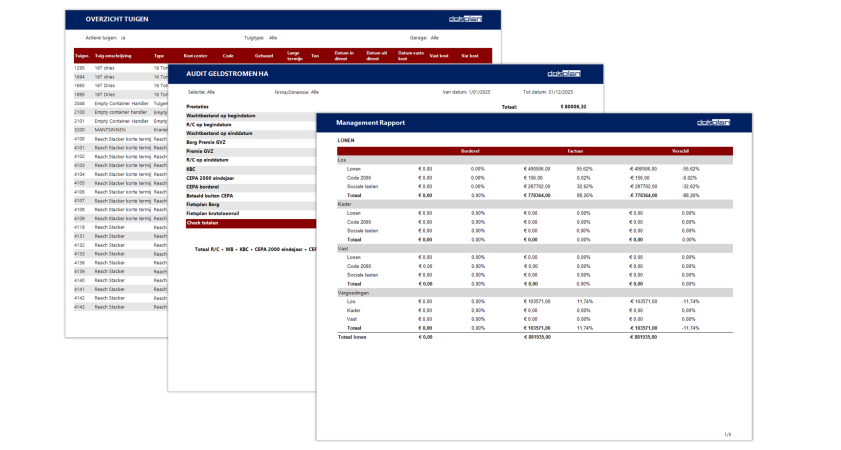
The Reporting module transforms operational data into clear, actionable insights. From performances and absences to supplements, benefits and periodic closings, every detail registered in DokPlan can be analysed and exported. Users can generate custom reports to support decision-making, monitor trends, and ensure compliance. Whether for internal review or external audits, the Reporting module provides the transparency and flexibility needed to stay informed and in control.

Key Features

40+ Market-Standard Reports Ready to Use

Custom Reports

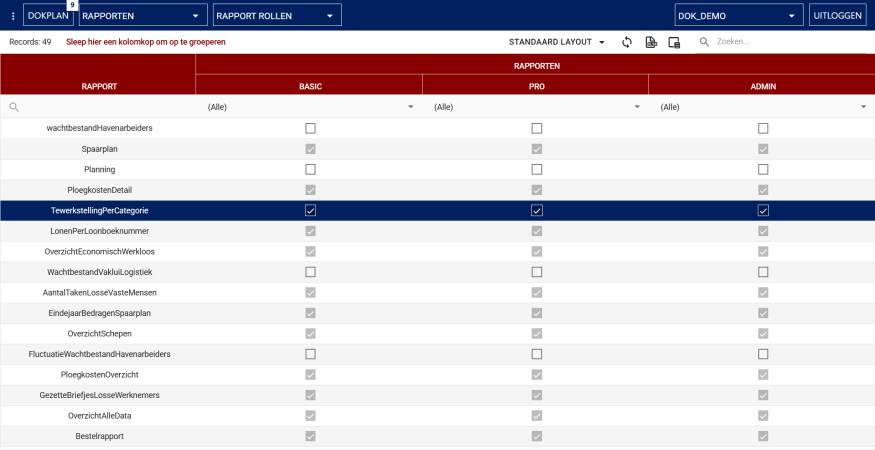
Role Based Security

Enhanced reporting

Module information

Settings

Fine-tune DokPlan’s operational behavior to match your organization’s workflows. Configure payroll rules, adjust planning parameters, and define how data is processed across modules. This flexibility ensures that DokPlan supports your internal processes accurately and efficiently, without the need for custom development.

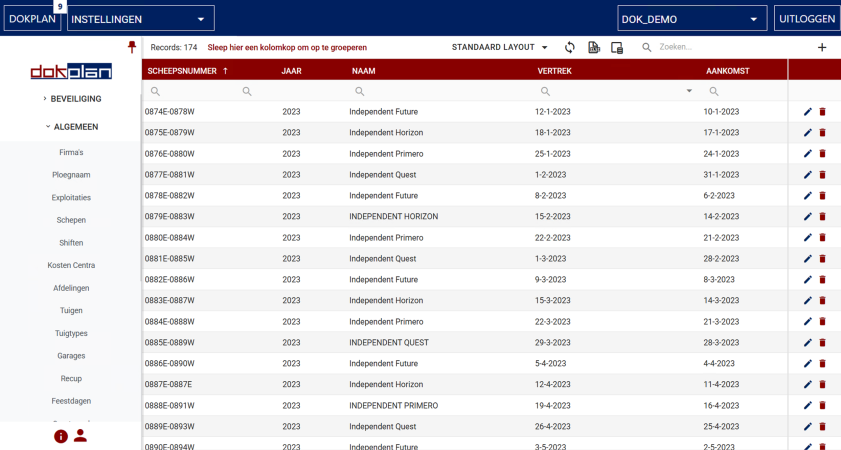
Ships

Key Features

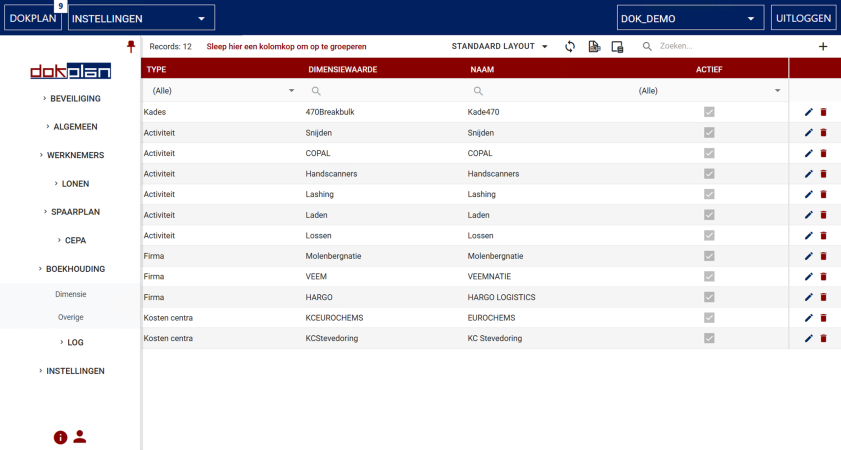
Master Data

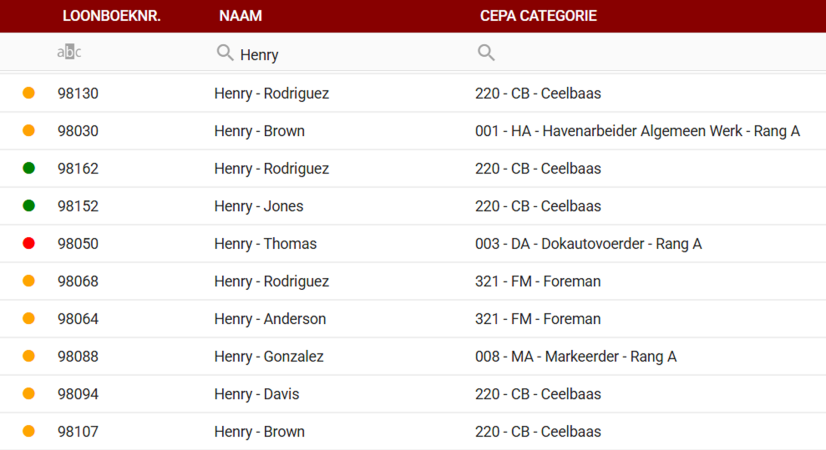
Manage Employees

Manage Ships

Manage Exploitations

Manage Machines

Manage Users and Security

Indexations

Contact us

+32 3 295 17 00

Palieterdreef 53

2280 Grobbendonk

Belgium

hello@blueit.eu

Feature information

Use Multiple Views

Switch effortlessly between list, weekly, monthly, or yearly views. Choose the perspective that fits your workflow and keep your planning crystal clear.

Feature information

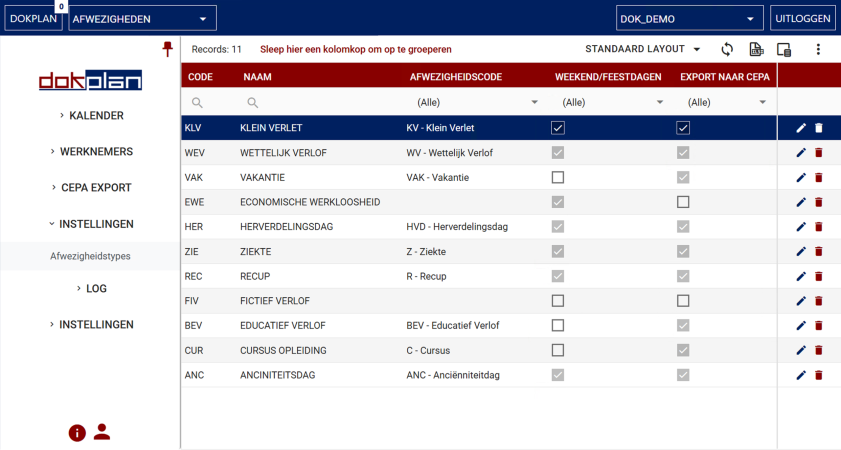
Manage Absence Types

Assign and customize absence types like vacation, redistribution days, or overtime in just a few clicks. The intuitive interface makes managing time off simple and efficient.

Manage Absence Types

Feature information

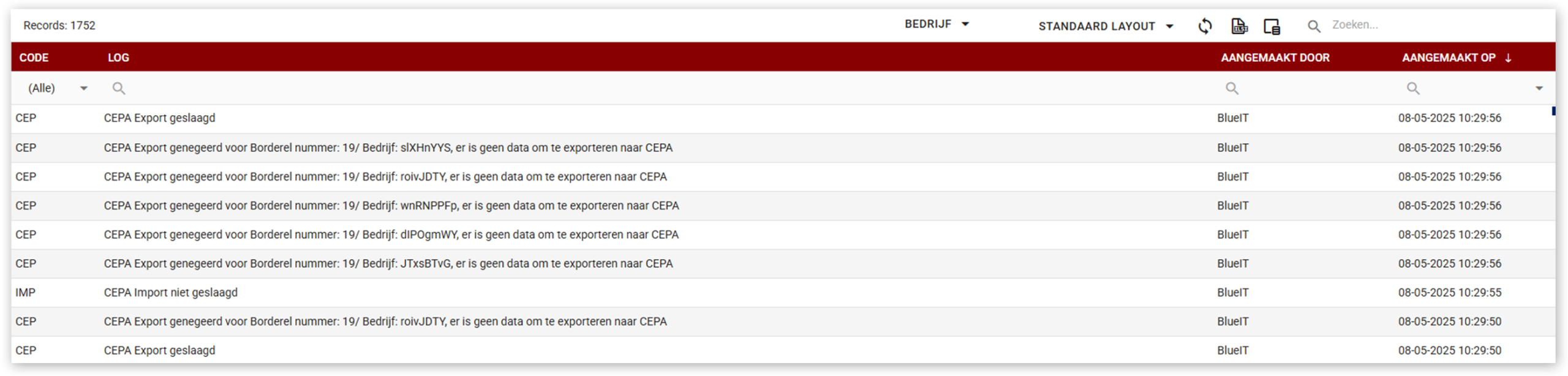
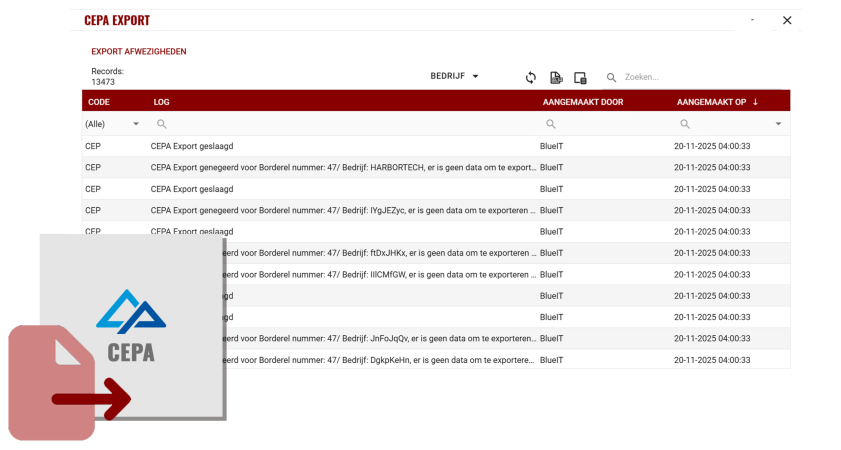
Export To CEPA

Send absence data directly to CEPA without manual input. This seamless integration ensures compliance and saves valuable time.

Export to CEPA

Feature information

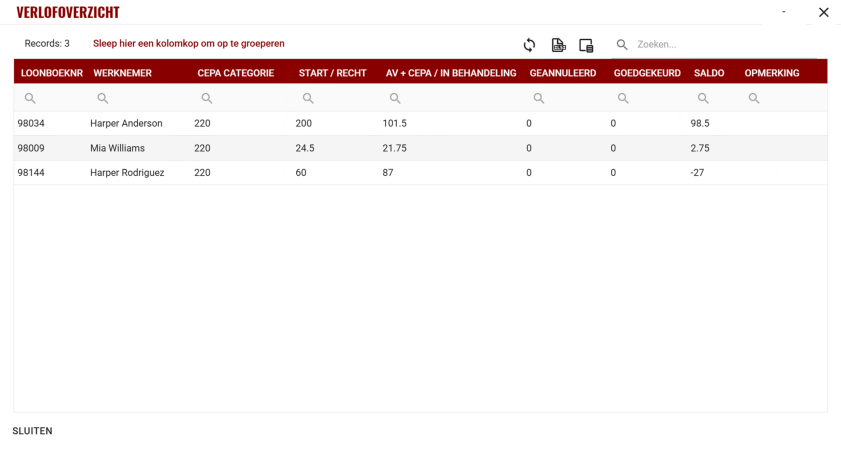
Manage overtime

Track and manage overtime automatically. Employees can accumulate and use overtime flexibly, while the system handles all calculations in the background.

Manage Overtime

Feature information

Manage Redistribution Days

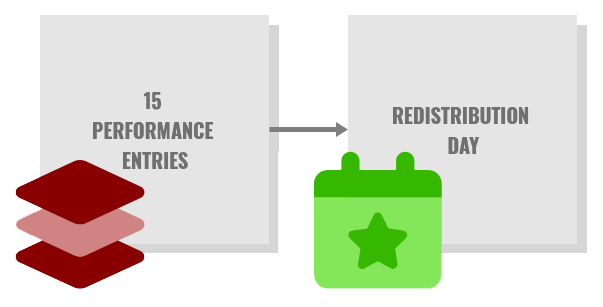
Redistribution days are automatically calculated and assigned, one for every 25 days worked. No manual tracking needed, ensuring accuracy and consistency.

Manage Redistribution Days

Feature information

Integrated into Planning

Absences are fully integrated into the Planning module. Availability indicators update in real time, so you always know who’s available.

Integrated into Planning

Feature information

Forecast Planning

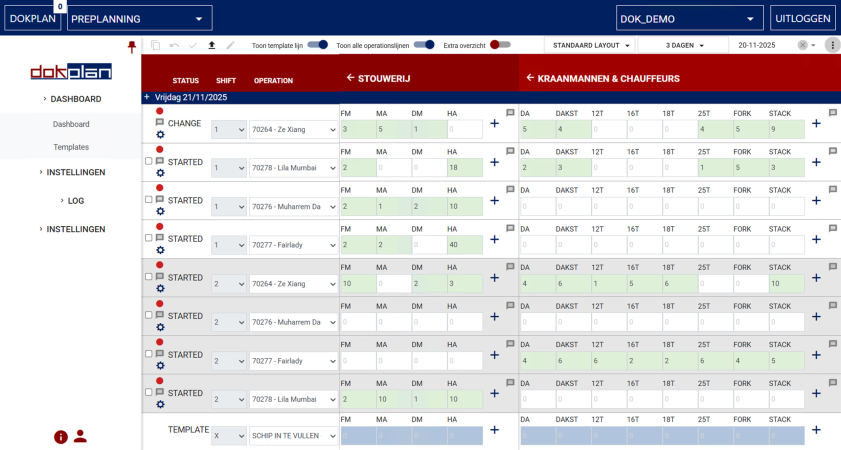
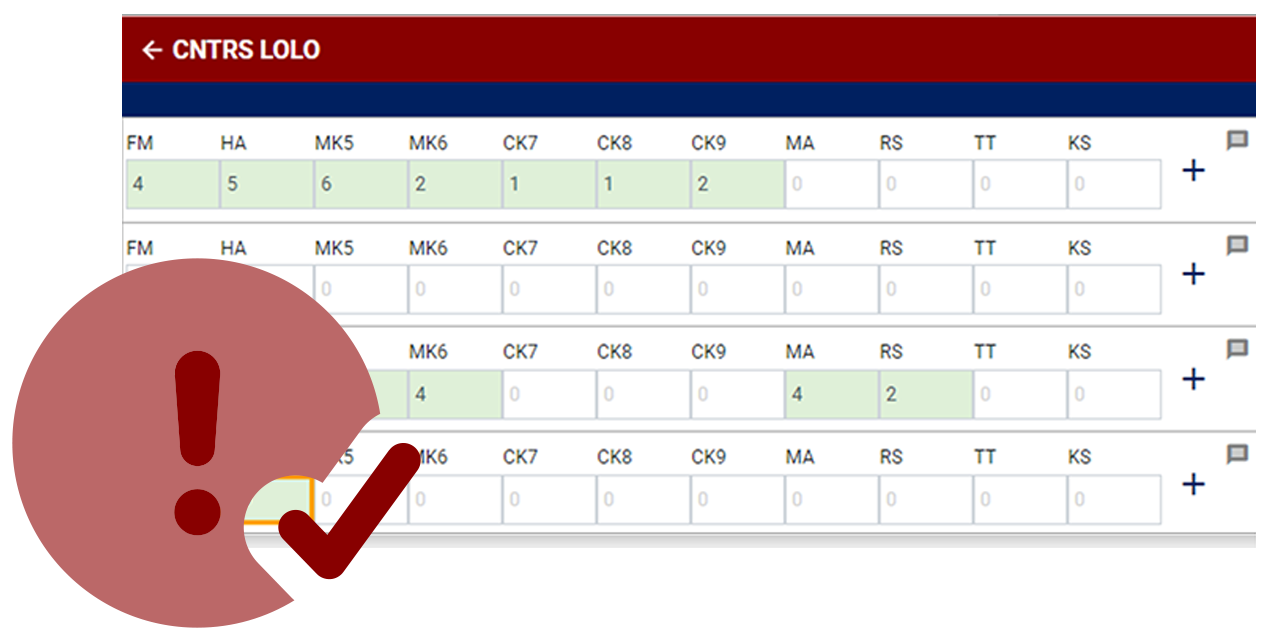
Plan ahead with precision. DokPlan’s shift-based forecast gives you full visibility across past, current, and future operations, helping you anticipate staffing and equipment needs.

Forecast Planning

Feature information

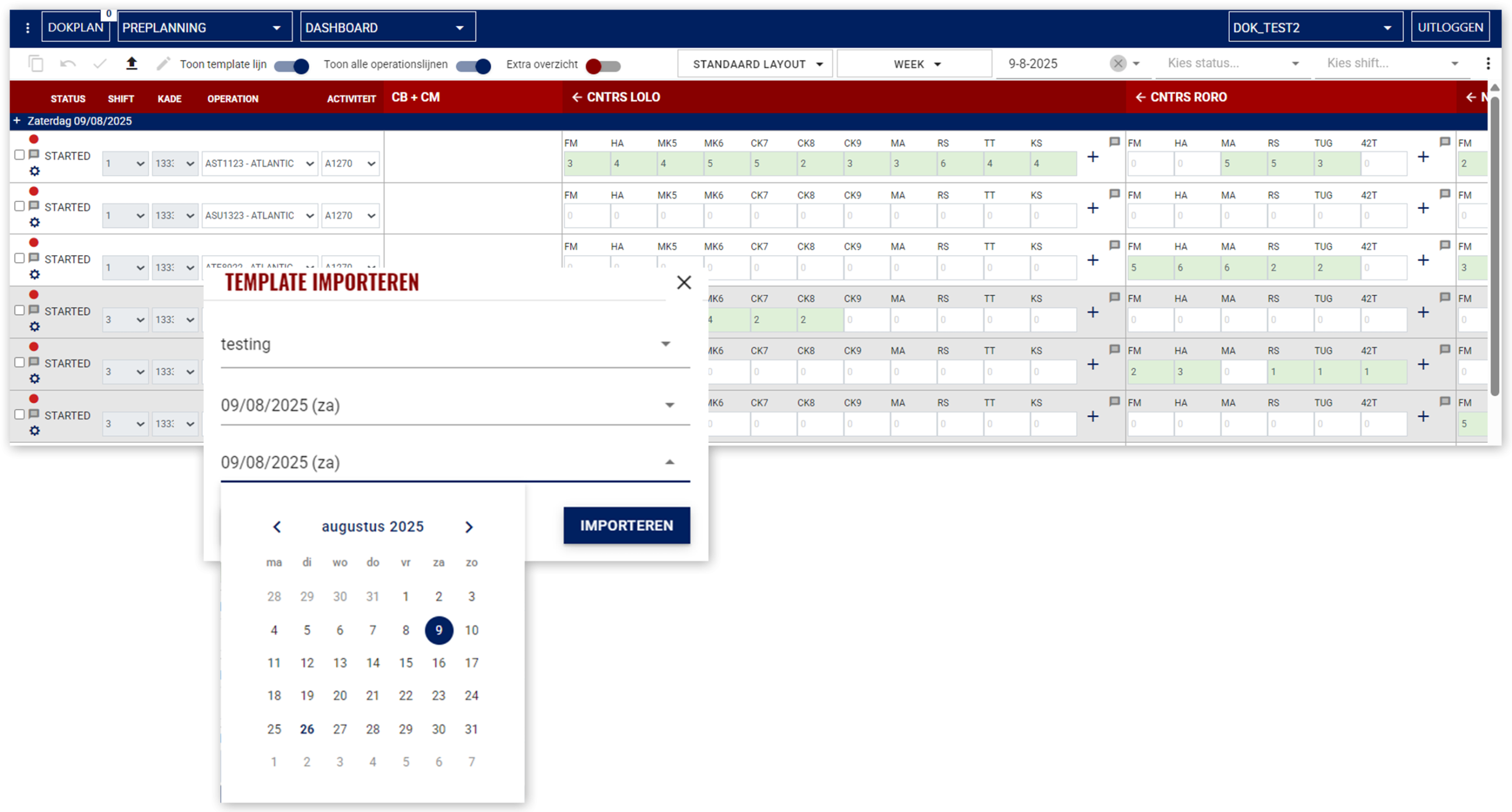
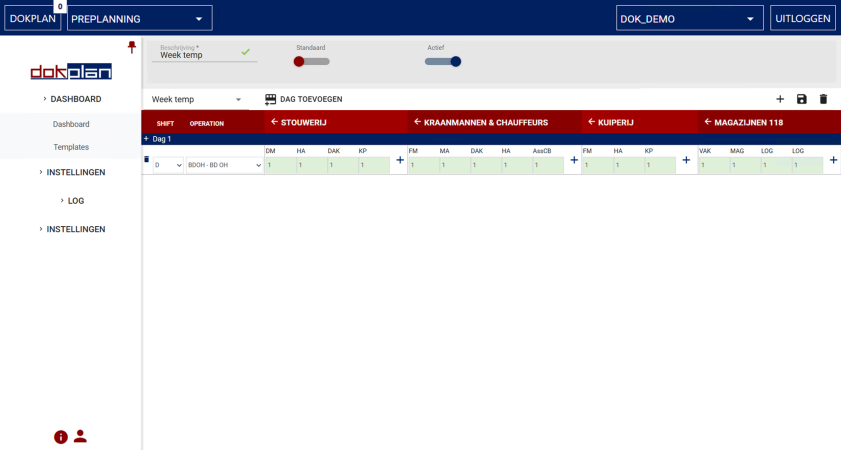
Use Smart Templates

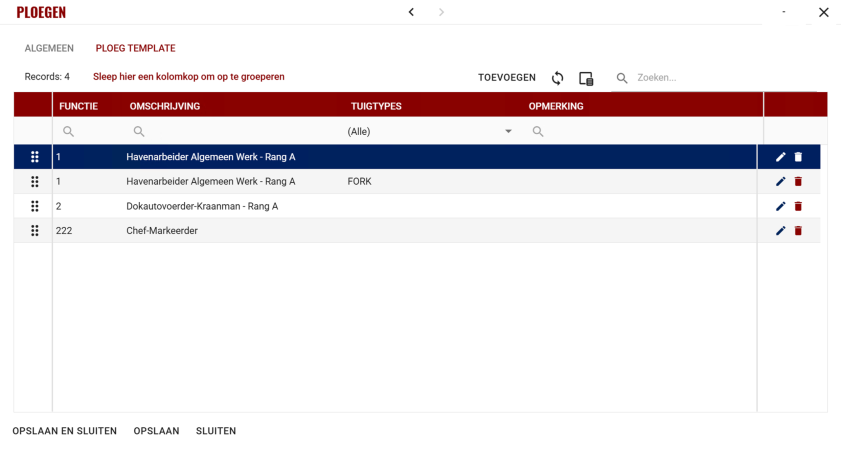
Create templates once and reuse them effortlessly. Save time and maintain consistency across all your planning activities.

Smart Templates

Feature information

Enhanced Filtering

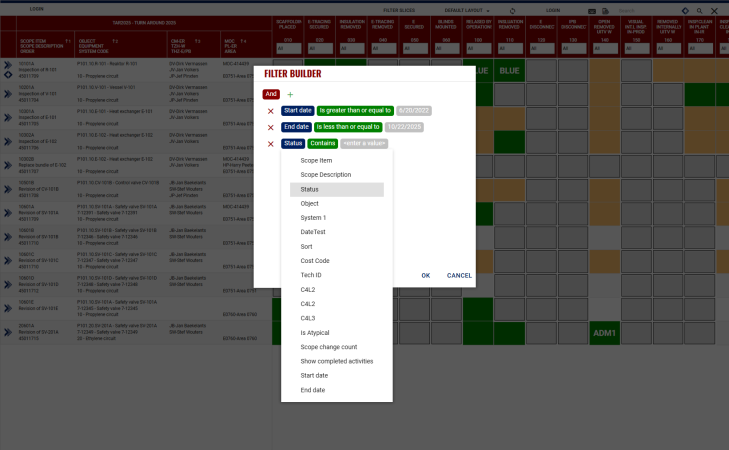
The Digital Wallpaper allows you to use filter slices based on the data for the wallpaper. This will allow users to easily create filters on area, system, type of equipment’s, foremen and much more. The Digital Wallpaper also allows you to filter on the scheduled dates, so that you can filter on all jobs planned for the current day or next days.

Enhanced Filtering

Feature information

Track Changes

Every update goes through a fully customizable and optional built-in approval flow, ensuring transparency and accountability. No surprises, just smooth collaboration.


Feature information

Interactive Dashboard

Monitor operations in real time. See update and spot gaps instantly, and react quickly to changes.

Interactive Planning Dashboard

Feature information

Organized planningdashboard

Structure your planningdashboard into clear sections for easy navigation. Whether managing multiple teams or complex logistics, you stay in control.
Feature information

Manage Plannings

Organize your operations by date, shift, ship, and exploitation level. Keep every detail structured for maximum clarity and efficiency.

Manage Plannings

Feature information

Interactive Planning Dashboard

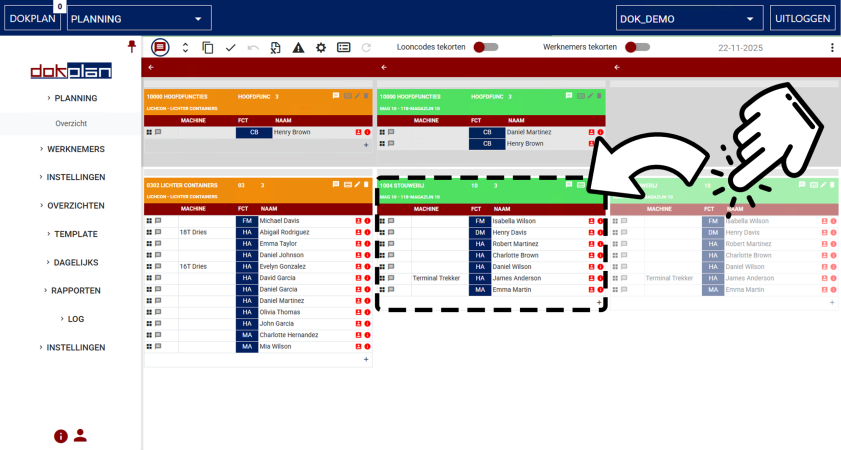
Drag and drop teams, employees and assign responsibilities, and manage teams in an intuitive interface. Planning has never been this simple.

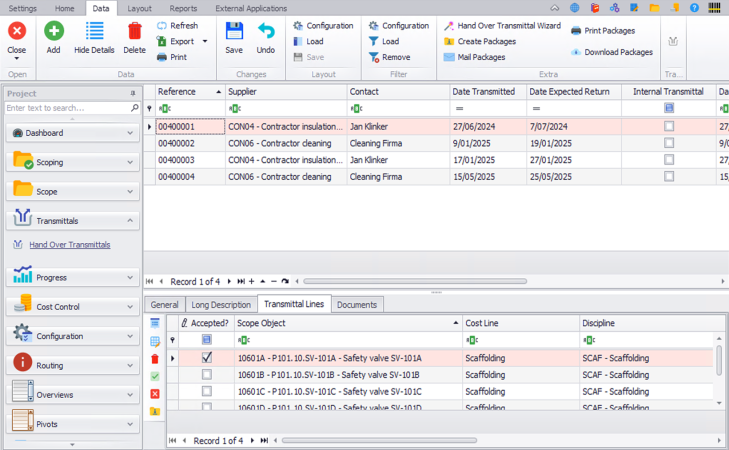
Transmittals

Feature information

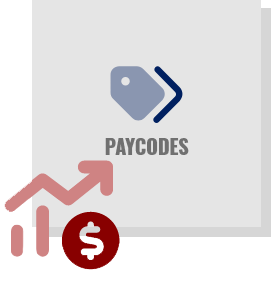
Manage Paycodes

Track and manage paycodes effortlessly. Highlight unassigned paycodes to ensure accuracy and avoid payroll errors.

Manage Paycodes

Feature information

Live Integration

Stay connected with Absences, PrePlanning, Payroll, and Access Control. Real-time updates keep your planning accurate and synchronized.

Feature information

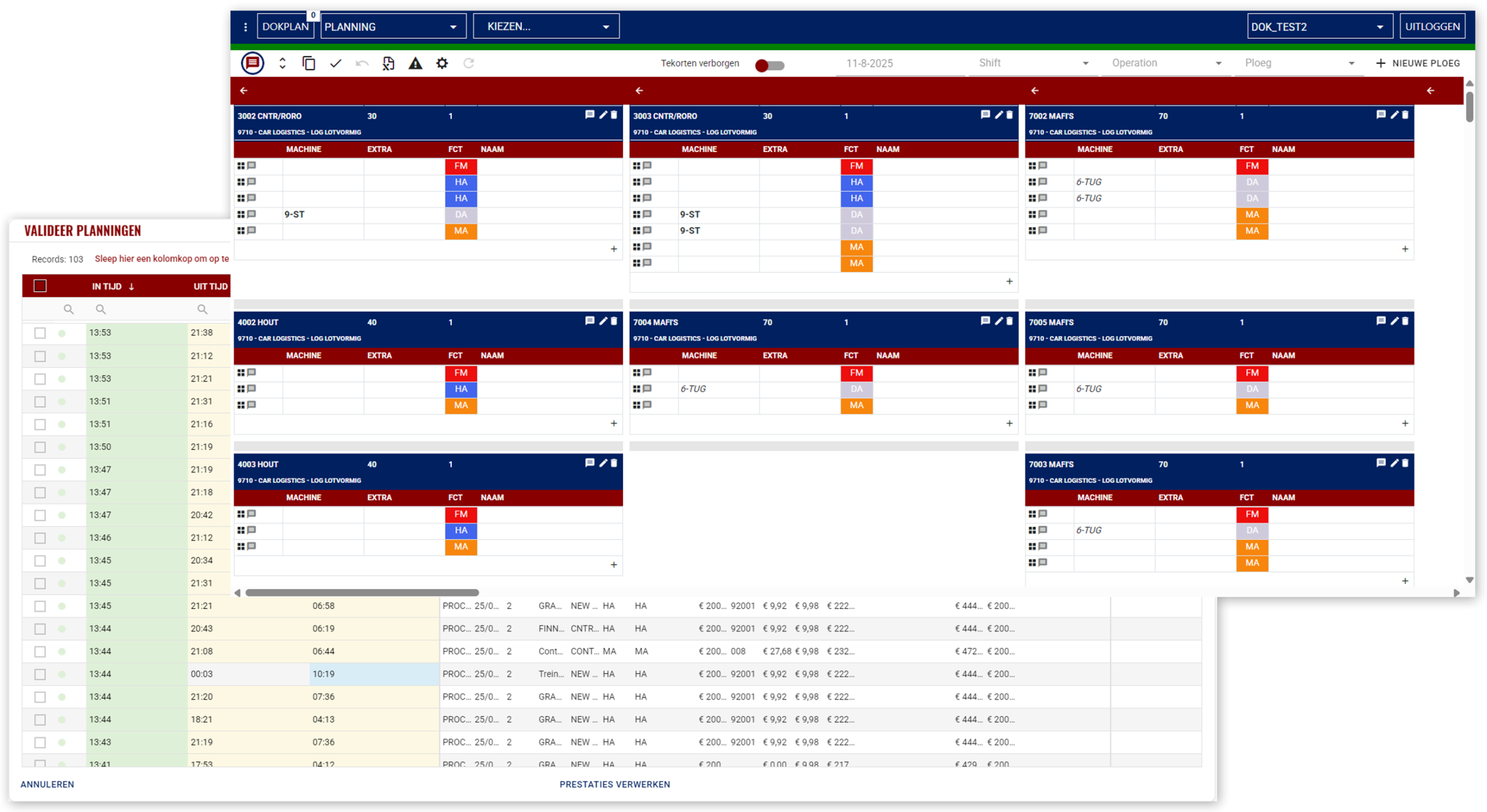
Planning Validation

Validate schedules before payroll to prevent conflicts and maintain operational consistency.

Planning Validation

Feature information

Use Smart Templates

Create templates once and reuse them across multiple schedules. Save time and keep your planning consistent.

Use Smart Templates

Feature information

Enhanced Copy Functions

Duplicate entire schedules or single shifts with ease. Reduce repetitive work and focus on what matters most.

Enhanced Copy Functions

Feature information

Track Changes

Ensure every change is reviewed and approved. Maintain transparency and accountability in your planning process.

Feature information

Manage Performances

Track employee performance and link it directly to payroll for accurate compensation.
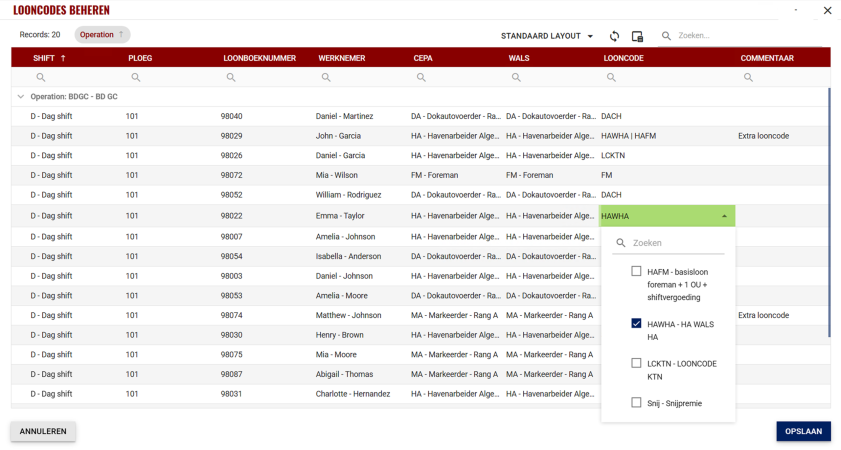
Manage Performances

Feature information

Transfer costs

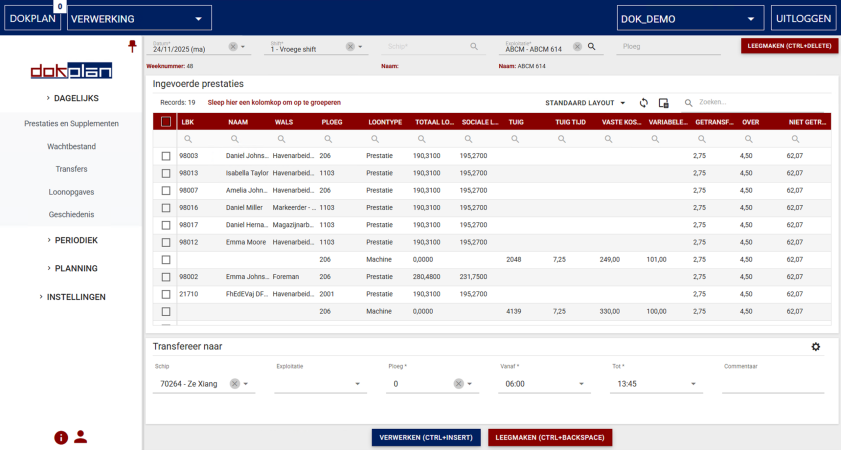
Allocate and transfer costs seamlessly across departments or projects for precise financial tracking.

Transfer Costs

Feature information

Manage Employee Benefits

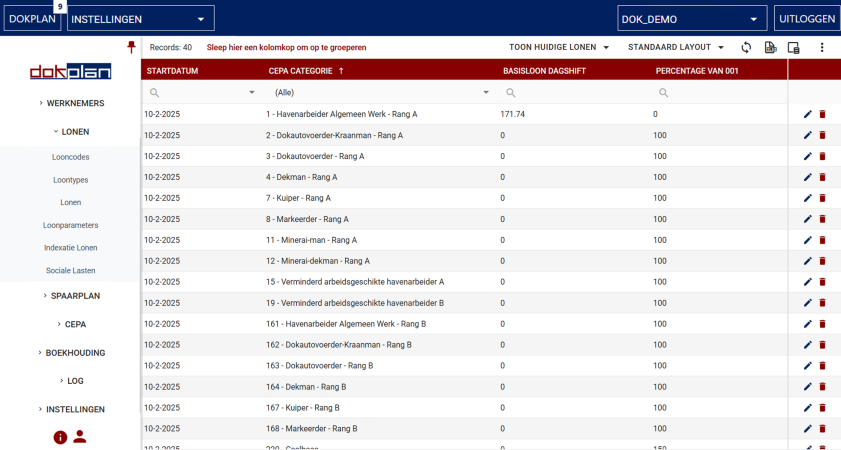
Handle all benefits in one place, supplements, bike lease, meal vouchers, walking time, and other bonuses. Everything is organized and easy to manage.

Manage Employee Benefits

Feature information

Payroll Automation

Automate payroll calculations, including benefits, paycodes, and payment parameters. Reduce manual work and minimize errors.

Feature information

Audit history

Access a complete audit trail of payroll changes for full transparency and compliance.

Audit History

Feature information

Payslip Mailing

Send payslips directly to employees with one click. Fast, secure, and hassle-free.

Payslip Mailing

Feature information

Cost Dimensions

Set up cost dimensions and export data ready for accounting. Keep your financial reporting structured and accurate.

Cost Dimensions

Feature information

Periodic Closing

Close payroll periods and export data to CEPA, CEWEZ, or CEPEG with ease. Compliance made simple.

Feature information

40+ Market-Standard Reports Ready to Use

Access a wide range of pre-built reports covering transactions, funds, and operational history. Get insights instantly.

40+ Market Standard Reports

Feature information

Custom Reports

Create tailored reports to fit your unique business needs. Flexibility at your fingertips.

Feature information

Role Based Security

Control access to reports based on roles. Ensure sensitive data is only visible to the right people.

Role Based Security

Feature information

Enhanced reporting

Generate, filter, export, print, and mail reports effortlessly. Everything you need for clear and actionable insights.

Feature information

Master Data

Set up operational needs, employee profiles, wages, dimensions, categories, and benefits. Build a solid foundation for your planning.

Master Data

Feature information

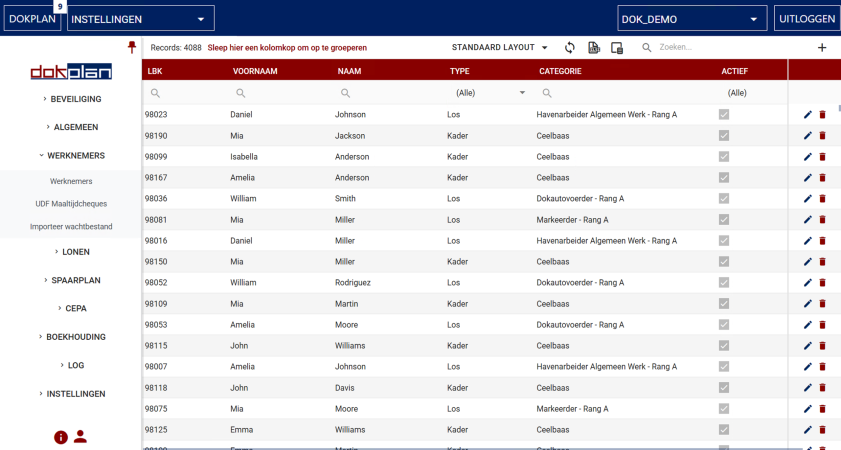
Manage Employees

Add, edit, and organize employee data in one central place.

Employees

Feature information

Manage Ships

Keep ship details updated for accurate planning and resource allocation.
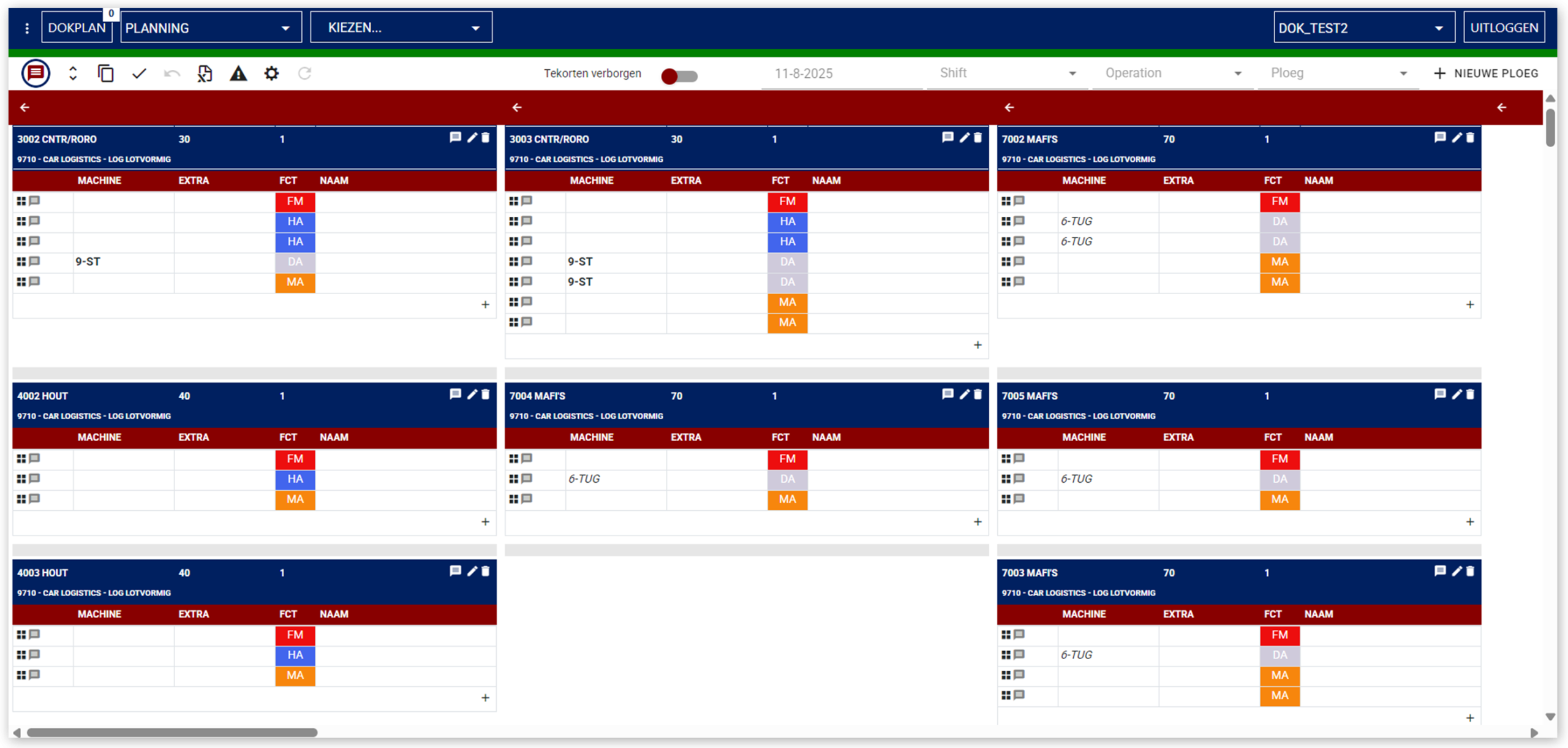
Ships

Feature information

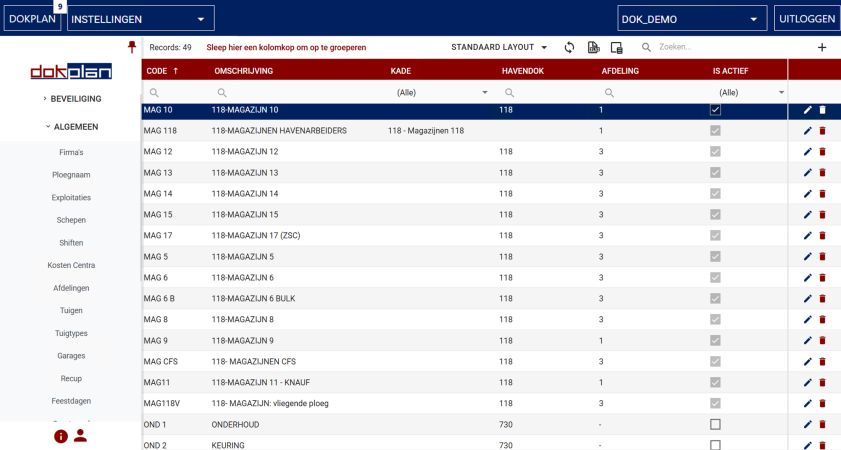
Manage Exploitations

Track and manage exploitation data to optimize operations.

Exploitations

Feature information

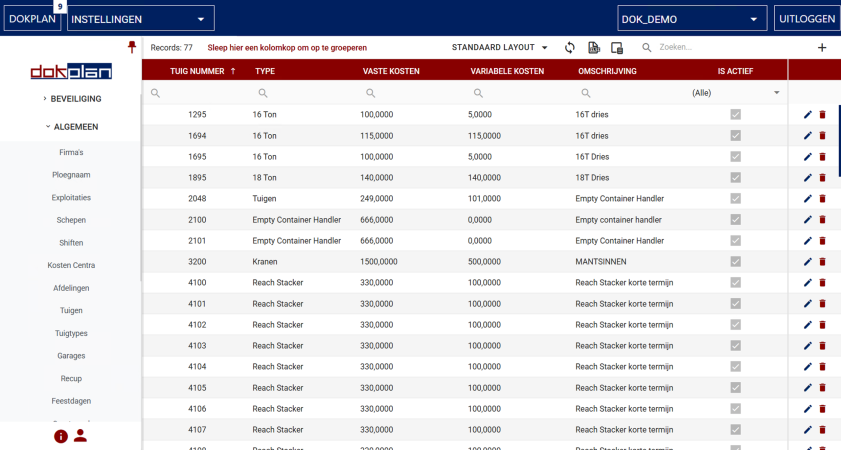
Manage Machines

Maintain machine records for better scheduling and utilization.
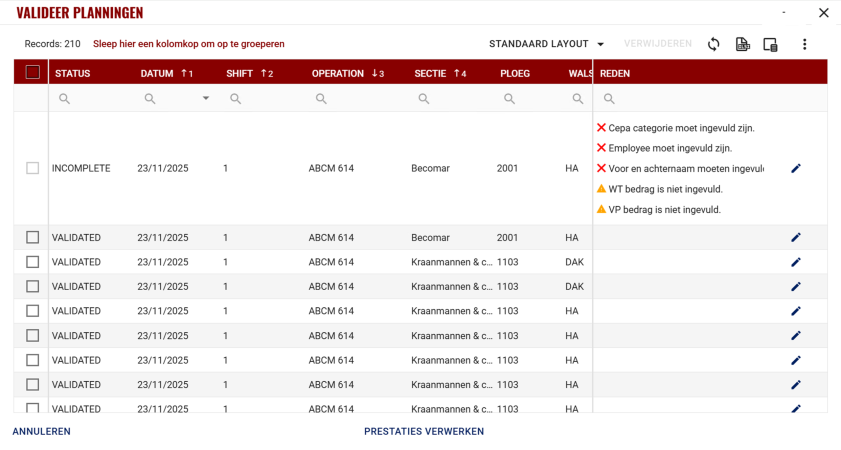
Machines

Feature information

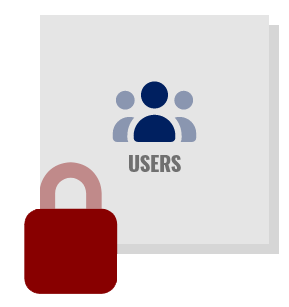
Manage Users and Security

Control user access and permissions to keep your system secure.
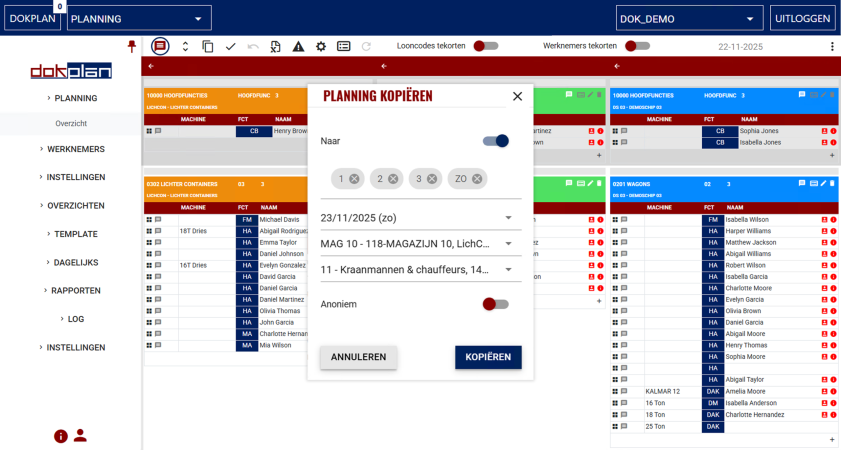
Feature information

Indexations

Update employee categories and paycodes automatically to stay compliant with regulations.